Models
Overview
View and manage all trained and frozen models in your organization.
Models
View all trained and frozen models within your organization.
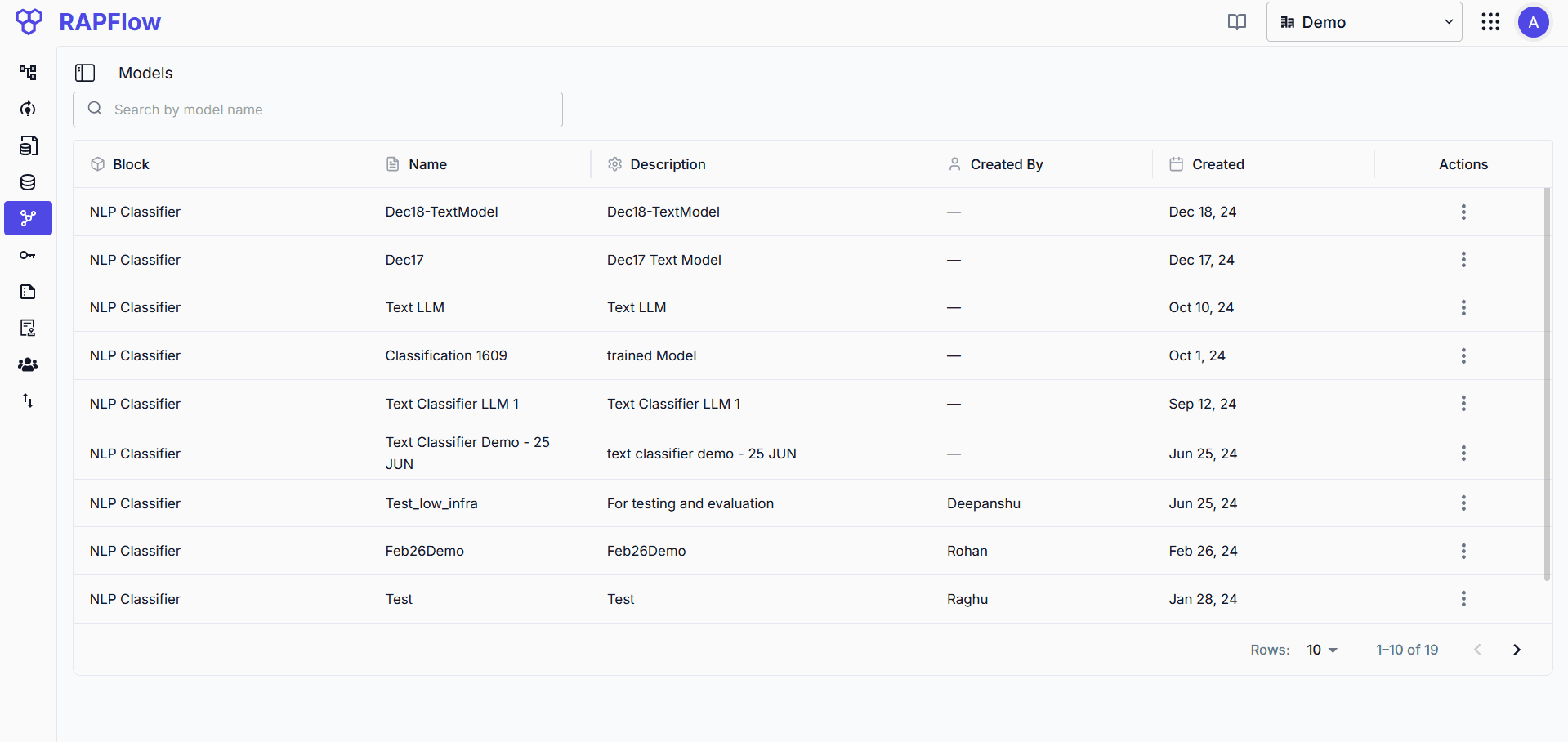
Overview
The Models page displays all machine learning models that have been frozen from successful experiment runs.
Each model entry shows:
- Model name and version
- Modality and task type
- Training date and status
- Compatible blocks where the model can be used in workflows
Frozen models are immutable versions that ensure consistent behavior in production environments.
Using Models
Once a model is frozen from an Experiment, it appears here. Select the model to see which workflow blocks support it, then use it in your flow configurations.