Experiments
Freeze Model
Save a trained model for production use.
Freeze Model
After reviewing run metrics, freeze successful models for production use.
Steps
- Navigate to the completed run
- Review training metrics
- Click the freeze icon
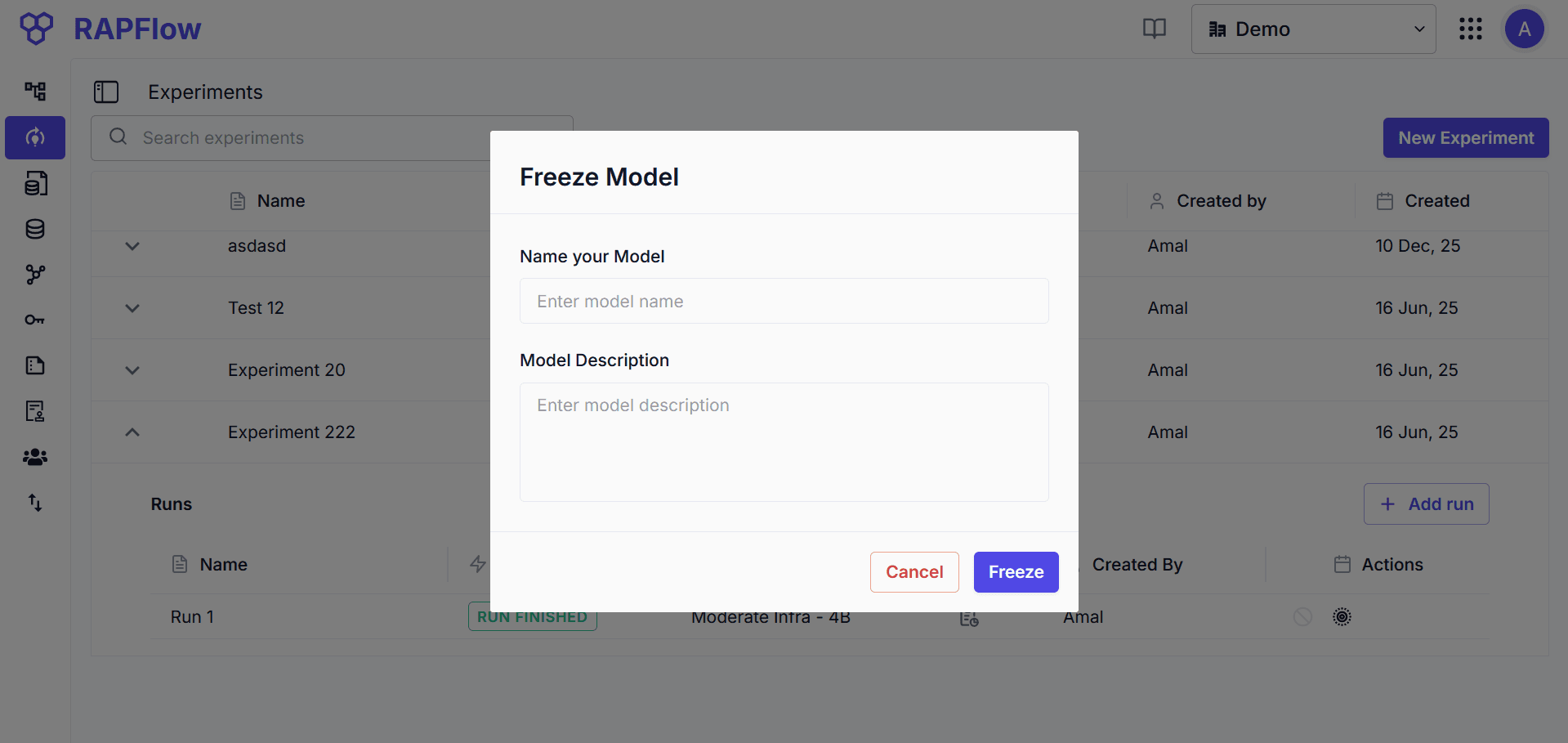
- Enter model details:
- Model name
- Version (optional)
- Description (optional)
- Click Freeze
Frozen models are immutable and cannot be modified.
After Freezing
The frozen model appears in the Models page, showing:
- Model metadata
- Compatible workflow blocks where it can be used
Use the frozen model in your flow configurations by selecting it in the appropriate block.