Flow AI
Flow Versioning
Manage and restore previous versions of your flows in Flow AI
Overview
Flow AI automatically maintains version history for your flows, allowing you to track changes and revert to previous states safely.
Key Features
- Auto-save: Every deployment creates a version.
- Retention: Up to 20 versions are retained.
- Safe Revert: Reverting creates a new version copy, preserving history.
Managing Versions
Reverting to a Previous Version
When you revert to an older version, the system copies that version's state to a new version. It does not overwrite the current state or delete intermediate history.
- Open the History tab in the Flow Editor.
- Select a version from the list to preview it.
- Click Restore to revert.
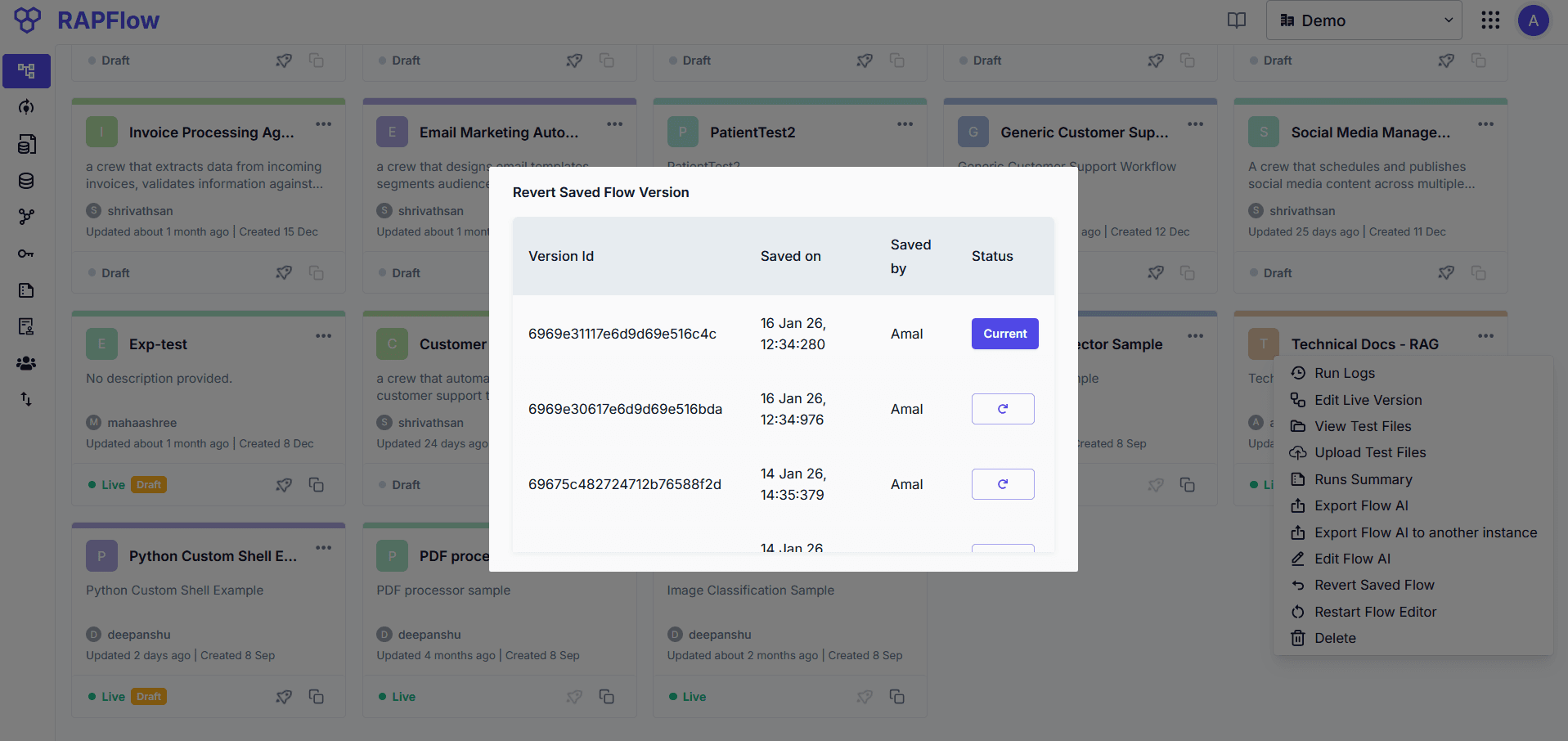
NOTE: The restored version becomes the latest active version and to publish the restored version deploy it.