Document Types
Create and manage document templates that define field structures and data requirements
Overview
Document Types are the foundational templates in VerifyMe that define the structure, fields, and data requirements for documents in verification projects. They serve as blueprints that determine what information will be extracted and validated from each document.
What are Document Types?
Document Types allow organizations to create customized document templates based on their specific verification needs. Each document type defines:
- What fields should be extracted from documents
- How fields are organized and grouped
- What type of input each field accepts
- Which fields are mandatory or optional
- How fields behave (readonly, hidden, AI-powered, etc.)
Examples of Document Types
- Invoices
- Cheques
- Bank Statements
- Purchase Orders
- Tax Forms
- Identity Documents
- Medical Records
- Contracts
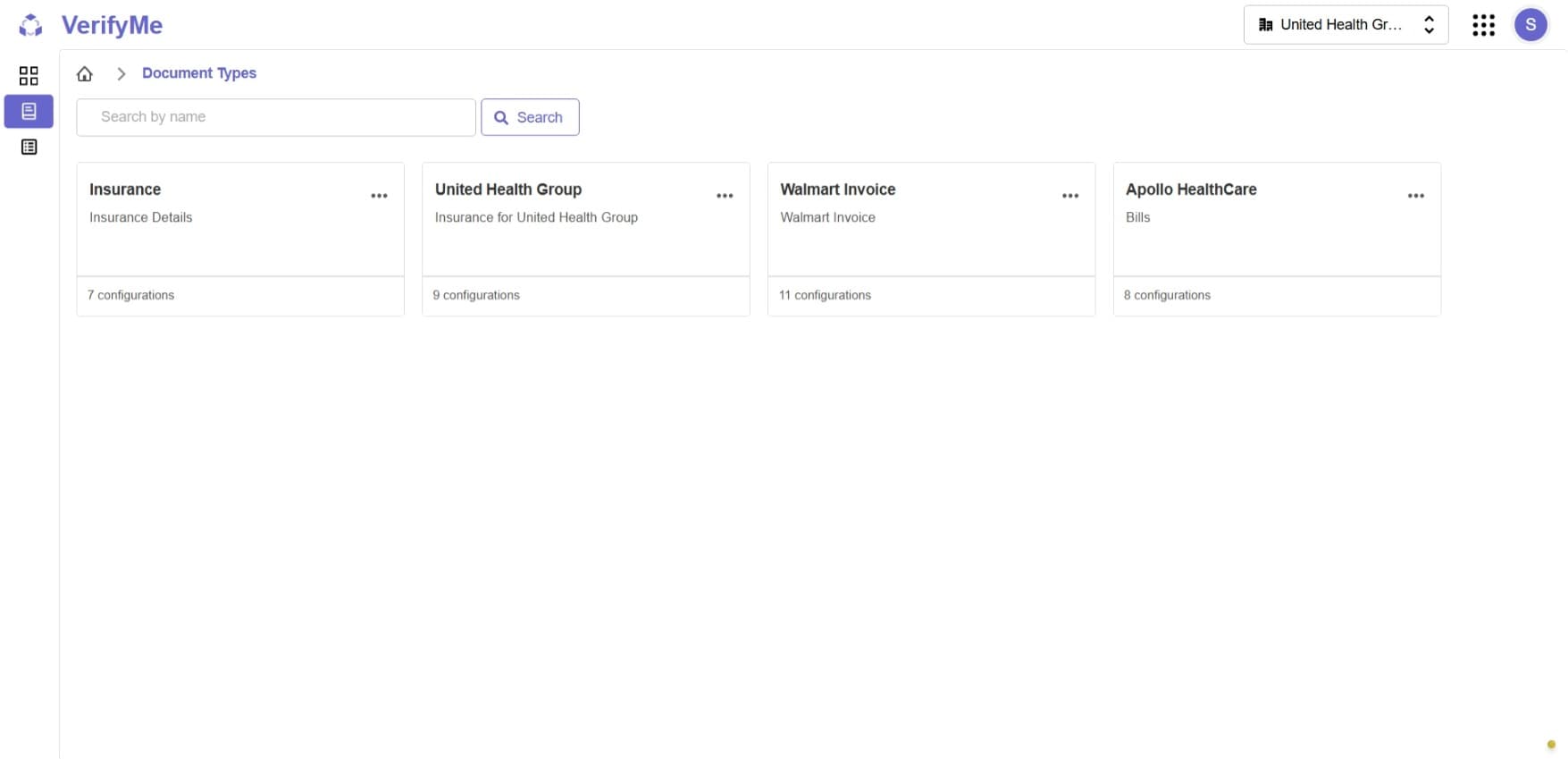
Document Types Screen
The Document Types screen displays all created document types in your organization.
Screen Elements
Document Types List
- Table or grid view of all available document types
- Each document type displays its name and key information
- Quick access to actions for each document type
Available Actions
For each document type, two action buttons are available:
1. Edit Button
- Modify the document type configuration
- Access: Organization Admin and QC Lead
2. Delete Button
- Permanently remove the document type from the system
- Access: Organization Admin only
- Caution: Deleting a document type may affect existing projects using it
Document Configuration
Organization Admins and QC Leads can create and manage document templates by defining field structures that control how data is extracted and verified.
For detailed instructions on creating and configuring document templates, see the Document Configuration Documentation.