Create a Task
Create a new local automation task in Bot Studio
Click Add Task on the dashboard to open the Create Task dialog. Every new task starts with a default flow containing start and end blocks.
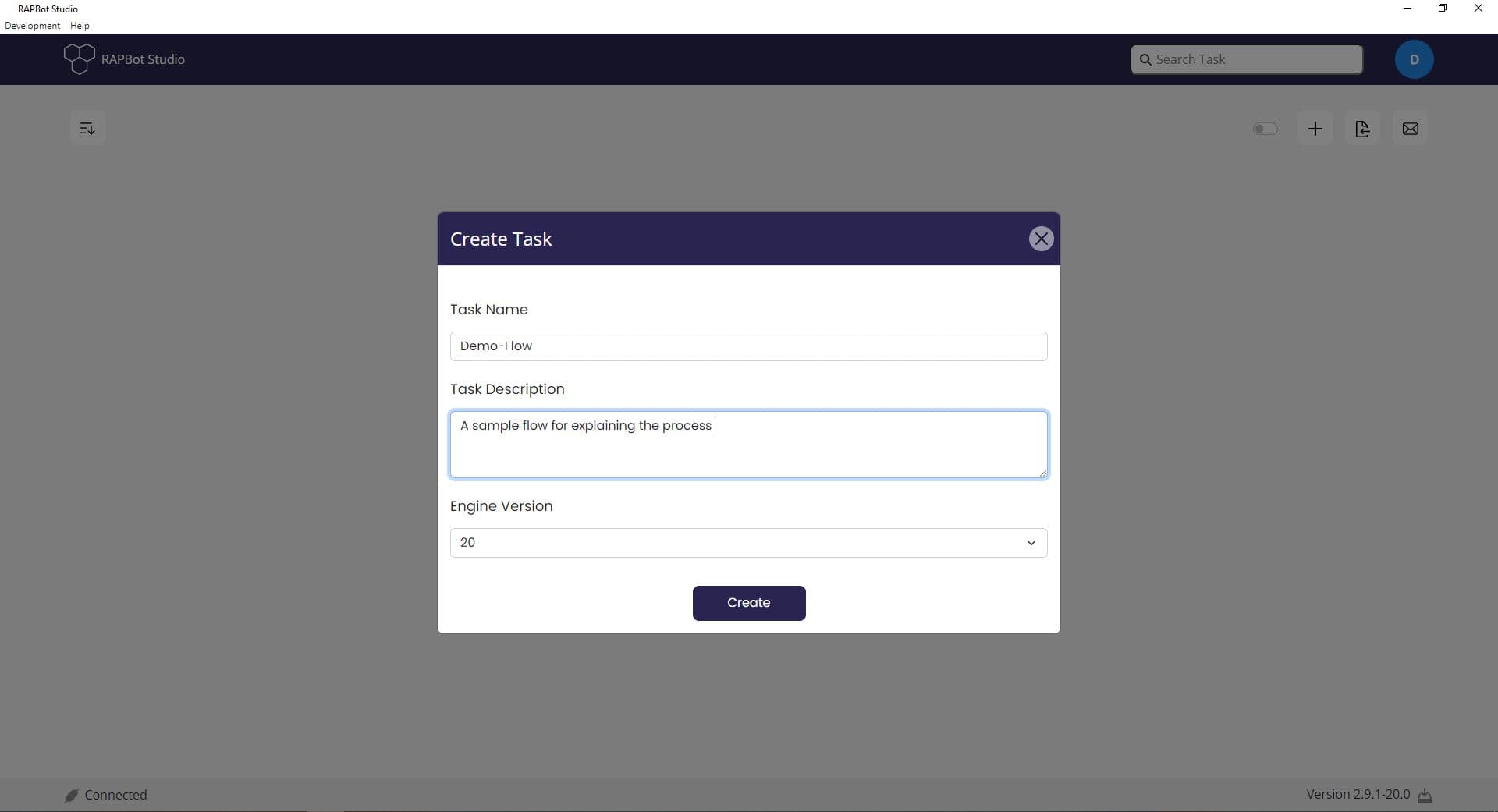
Create Task Fields
| Field | Description |
|---|---|
| Task Name | Display name for the task on the dashboard (e.g. Demo-Flow) |
| Task Description | Short description of what the automation does |
| Engine Version | Block engine version for this task (e.g. 20) — determines which block versions are available |
Steps
- Click Add Task on the dashboard (or the + icon in the toolbar)
- Enter a Task Name and Task Description
- Select the Engine Version from the dropdown
- Click Create
Studio opens the flow editor with a new tab containing default start and end blocks ready to configure.
Engine Version
The engine version controls which block implementations are loaded. Choose the version that matches your deployment target and agent environment. Newer engine versions include updated block capabilities.
Next Steps
- Studio Interface — Learn the flow editor layout
- Start Block — Configure task entry point and variables