Logged In Dashboard
Bot Studio dashboard after successful Orchestrator login
After logging in, the Studio dashboard shows your user profile, connected status, and the same task management options as the landing page — now with access to organization tasks.
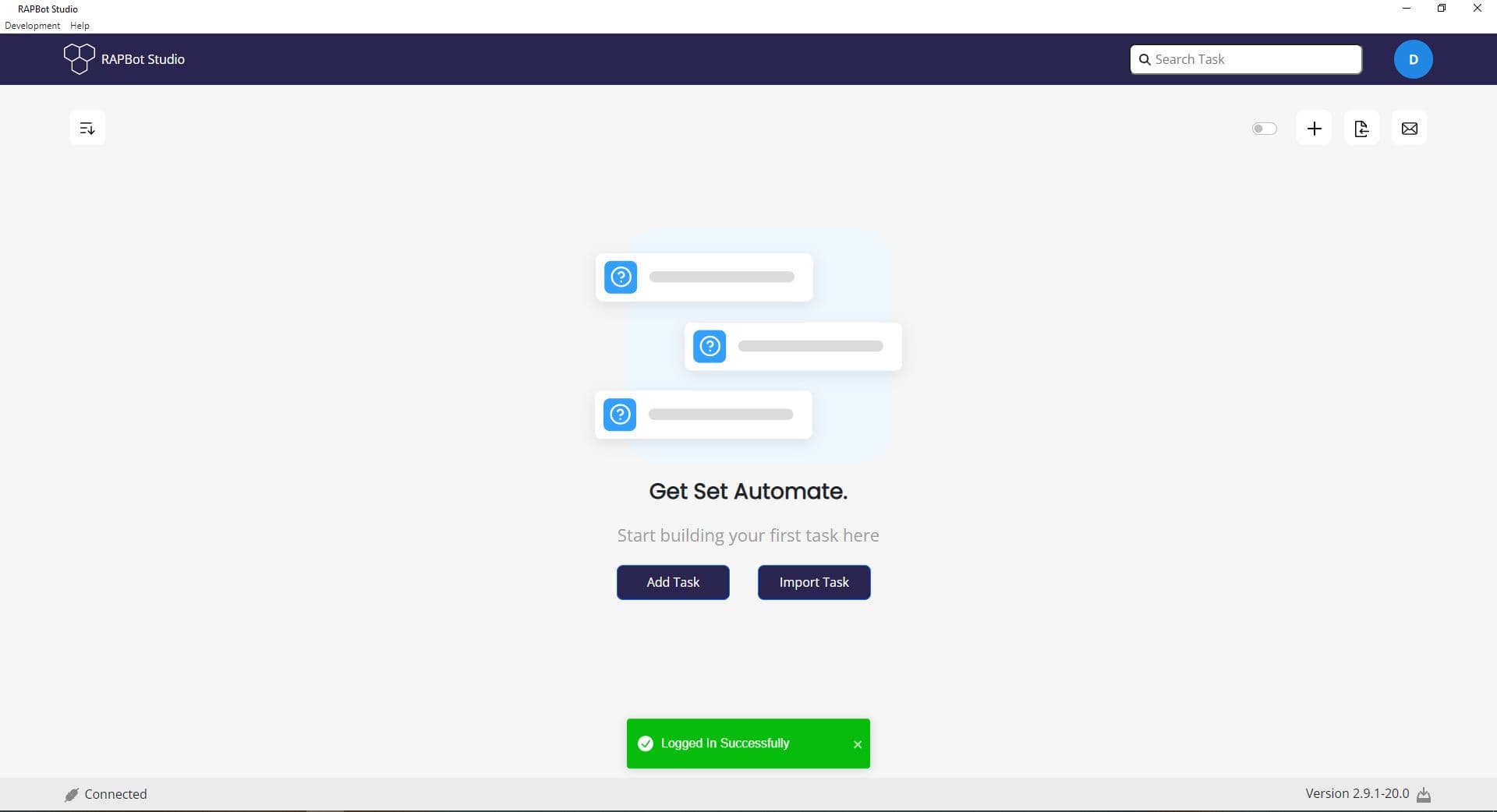
What Changes After Login
| Element | Before Login | After Login |
|---|---|---|
| Header right | Orange Login button | User profile avatar (initial letter) |
| Status bar | Disconnected | Connected |
| Task toggle | Not available | Toggle switch for local vs organization tasks |
| Notification | — | Logged In Successfully banner |
Available Actions
From the logged-in dashboard you can:
- Add Task — Create a new local task
- Import Task — Import a task from a file
- Search Task — Filter tasks by name
- Toggle switch — Switch between local and organization task views
- + icon — Quick-create a new task
Next Steps
- Create a Task — Set up a new automation task
- Organization Tasks — View tasks synced from Orchestrator