Login Credentials
Example of filling in Orchestrator login credentials in Bot Studio
When all login fields are filled correctly, green checkmarks appear next to valid entries. Click Login to authenticate with Bot Management Console.
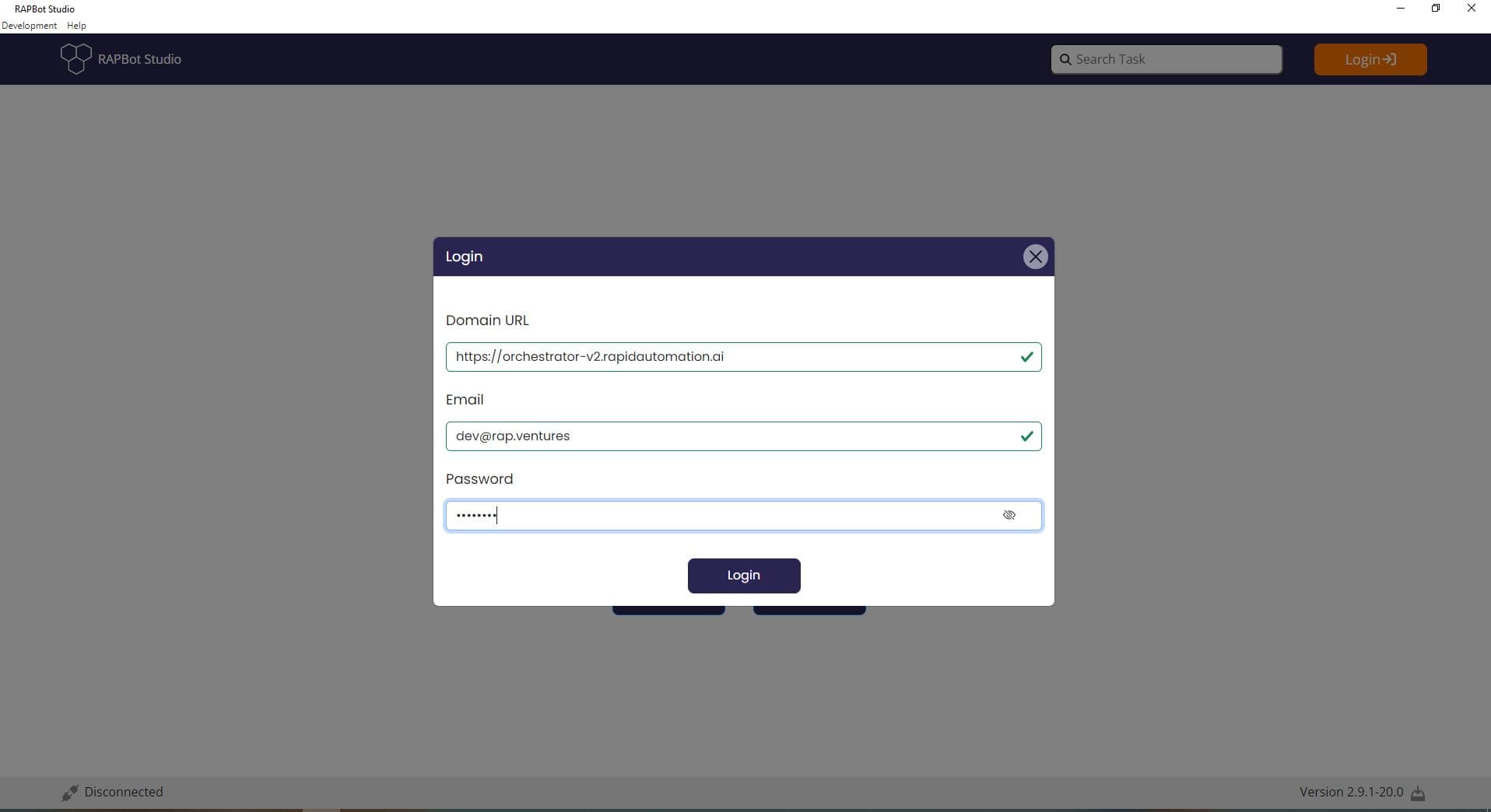
Field Validation
| Field | Example | Validation |
|---|---|---|
| Domain URL | https://orchestrator-v2.rapidautomation.ai | Green checkmark when URL format is valid |
[email protected] | Green checkmark when email format is valid | |
| Password | Masked characters | Eye icon toggles password visibility |
After Login
Once authenticated:
- The header Login button is replaced by your user profile avatar
- The status bar shows Connected
- Organization tasks become available via the toggle switch on the task dashboard
- A Logged In Successfully notification appears briefly