Login
Sign in to Bot Studio with your Orchestrator credentials
To access organization tasks and sync with Bot Management Console, click the Login button in the header. A login dialog opens where you enter your Orchestrator connection details.
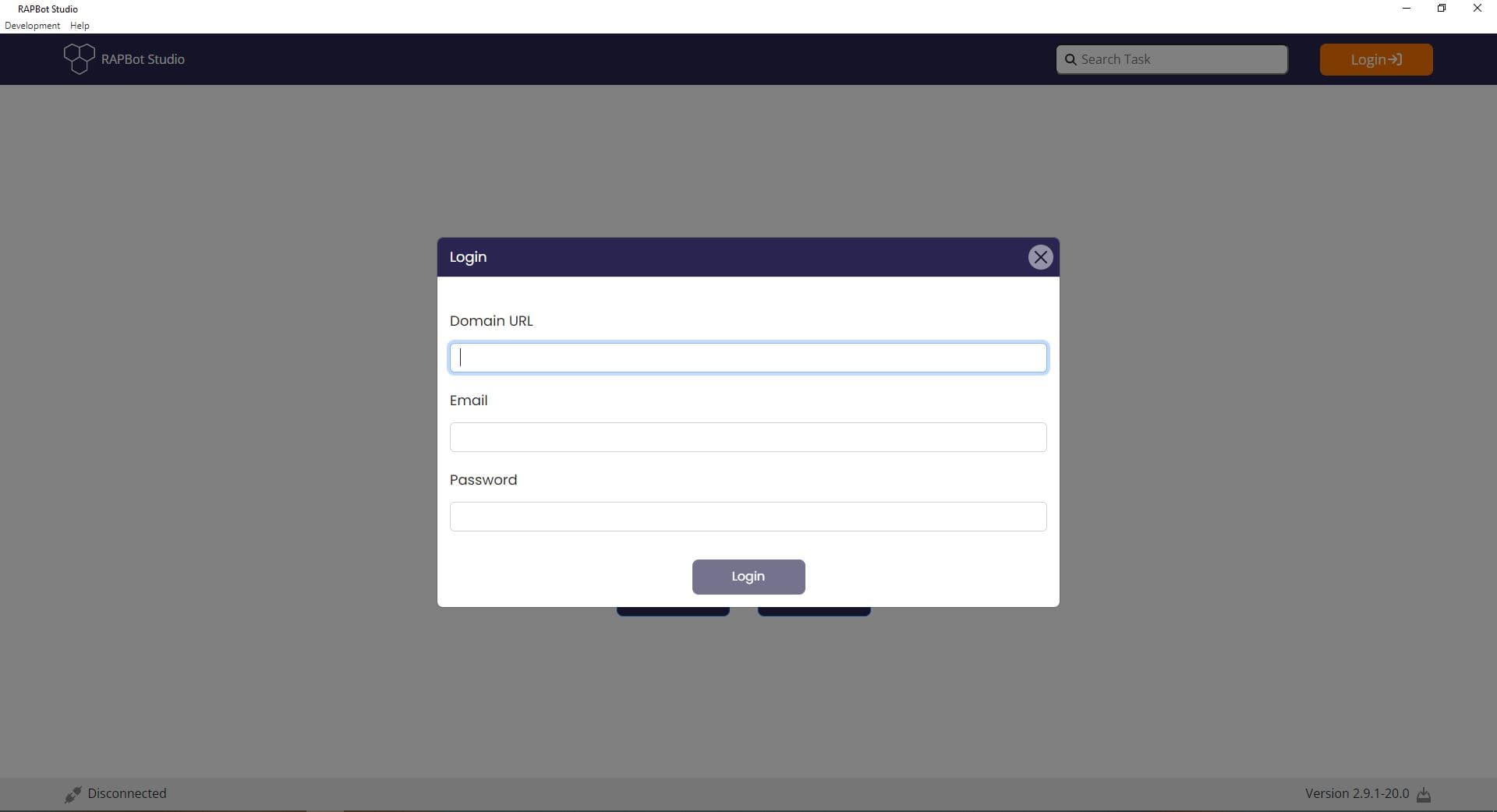
Login Fields
| Field | Description |
|---|---|
| Domain URL | The URL of your Bot Management Console instance (e.g. https://orchestrator-v2.rapidautomation.ai) |
| Your Orchestrator account email address | |
| Password | Your Orchestrator account password |
How to Login
- Click Login in the top-right corner of the Studio header
- Enter your Domain URL — the base URL of your Orchestrator deployment
- Enter your Email and Password
- Click Login in the dialog
While logged out, the status bar shows Disconnected. After a successful login, the status changes to Connected and a success notification appears.
Getting Connection Details
If you need the Domain URL, use the base URL of your Bot Management Console instance (for example, https://orchestrator-v2.rapidautomation.ai). Your administrator or Orchestrator login page can provide this value.
Next Steps
- Login Credentials — Example of a completed login form
- Bot Management Console — Orchestrator platform documentation