Blocks & Flow EditorCommon
start
Entry point for every flow — injects the initial message and defines task variables
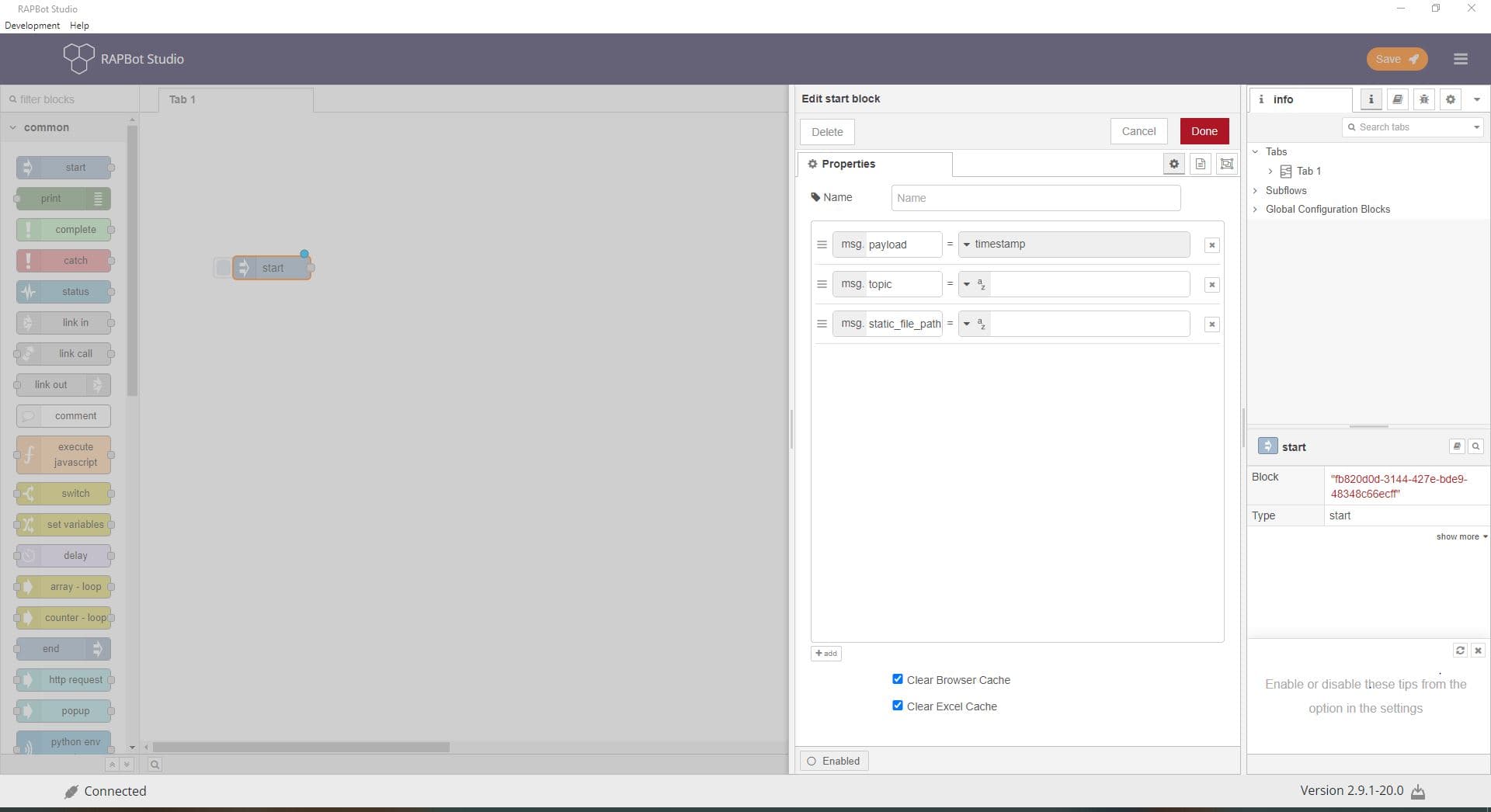
The start block injects a message into the flow and is the entry point of every automation task. It initializes msg properties that pass to downstream blocks. Variables defined here become task configuration fields in Bot Management Console when the task is assigned to an agent.
Configuration
| Field | Description |
|---|---|
| Name | Optional display label on the canvas. If empty, the block shows as start. |
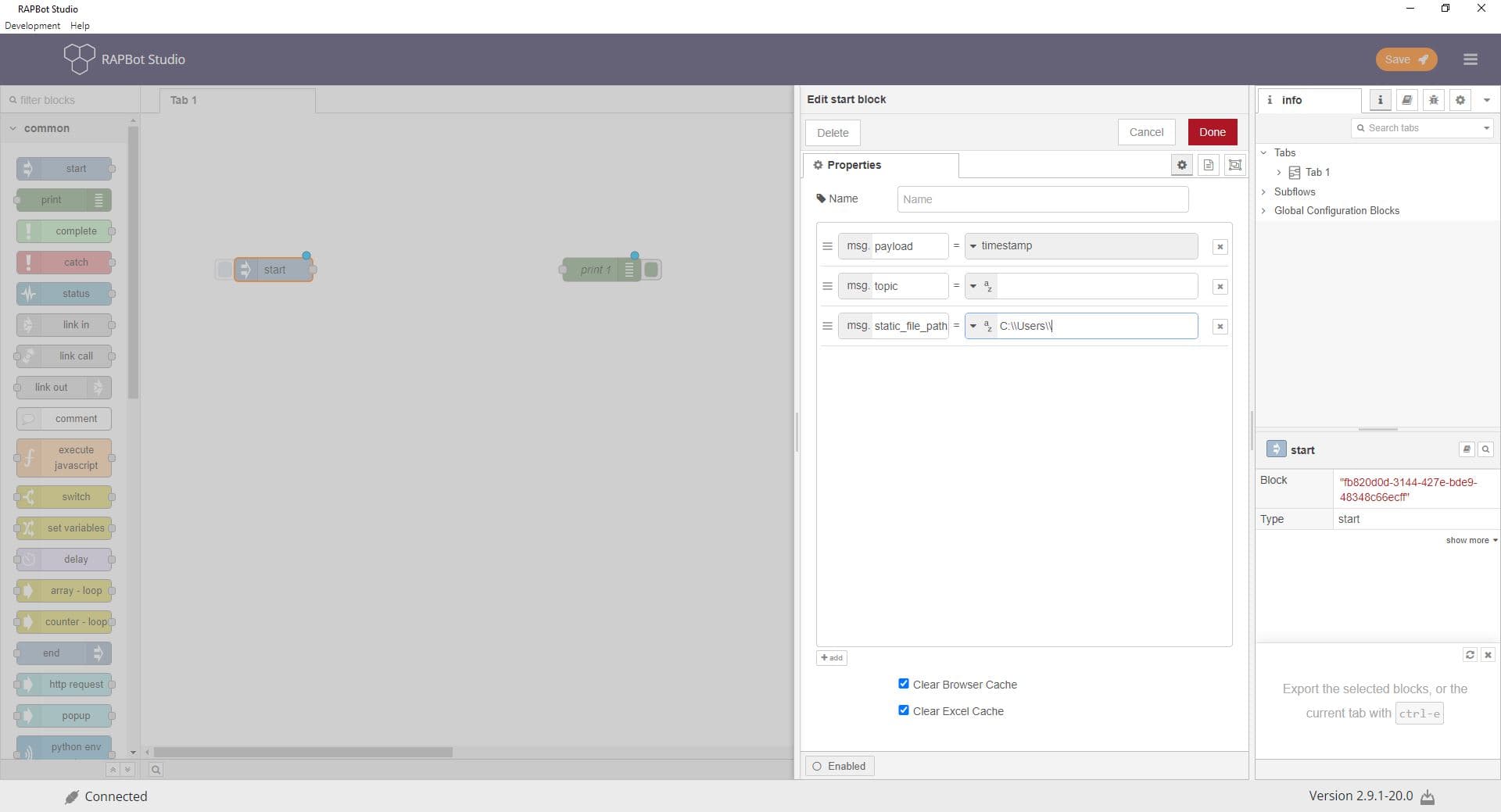
| Properties | List of message properties to set when the flow starts. Click + to add a property. Each row has a property name, type, and value. |
| msg.payload | Main data sent into the flow. Default type is timestamp (current time in milliseconds). Can also be string, number, boolean, object, array, or a flow/global context reference. |
| msg.topic | Optional string label categorizing the message (e.g. task category or environment tag). |
| msg.static_file_path | Optional path for static file references used later in the flow. |
| Clear Browser Cache | When checked, clears the browser cache when the flow starts. Ensures a clean browser state for web automation. |
| Clear Excel Cache | When checked, clears the Excel cache when the flow starts. Ensures no stale Excel instances from prior runs. |
| Enabled | When enabled, the block is active. Disable to skip the start block without removing it. |
Property types
| Type | Description |
|---|---|
| timestamp | Current date/time in milliseconds since epoch (default for payload) |
| string | Text value |
| number | Numeric value |
| boolean | true or false |
| object | JSON object |
| array | JSON array |
| flow / global | Value read from flow or global context |
Outputs
| Property | Type | Description |
|---|---|---|
msg.payload | various | The configured payload value |
msg.topic | string (optional) | Topic string if configured |
Custom msg.* properties | various | Any additional properties you add |
Notes
- Every flow must have a start block — it is created automatically with new tasks
- Properties on the start block map to Orchestrator task variables — agents can override these per environment
- Use custom
msgproperty names (notpayload) for values that must persist without being overwritten by downstream blocks - The start block runs once when the agent executes the task (not on a schedule in Studio's default setup)