Blocks & Flow Editor
Opening a Task
Open a task in the flow editor from the Studio dashboard
To work on an automation flow, open a task from the dashboard with a single click on the task card. Studio opens the flow editor immediately.
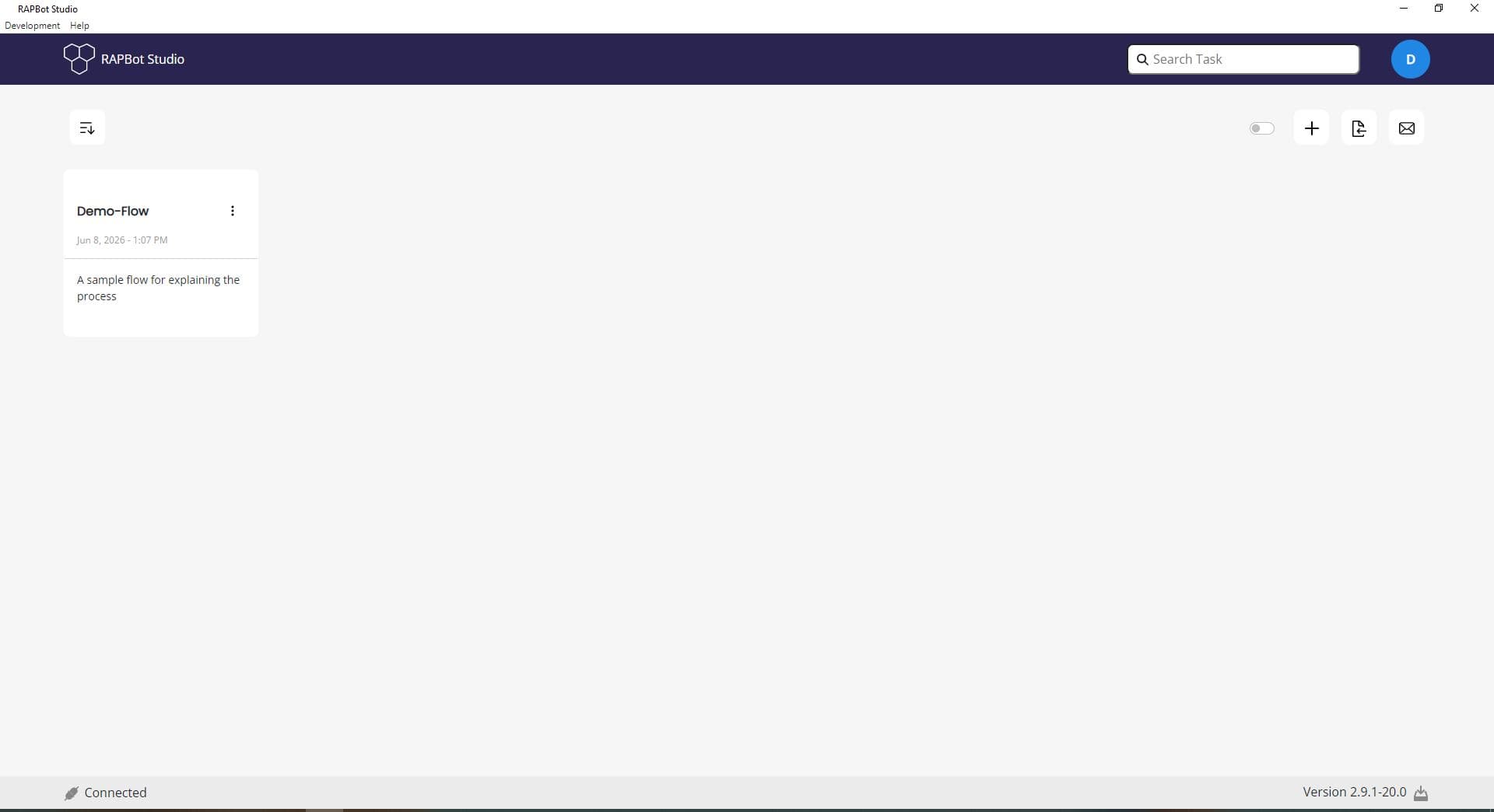
Open a Task
| Action | Steps |
|---|---|
| Single click | Click the task card once on the dashboard |
Edit Task Name
To change the task name or description, use the options menu — Edit is for renaming the task, not for opening it.
| Action | Steps |
|---|---|
| Options menu | Click ⋮ on the card → Edit → Update the task name or description |
Task Card Details
Each card shows:
| Field | Example |
|---|---|
| Name | Demo-Flow |
| Timestamp | Jun 8, 2026 - 1:07 PM |
| Description | A sample flow for explaining process |
After Opening
Studio switches to the flow editor view with:
- The task's saved flow loaded on the canvas
- start and end blocks (plus any blocks you added)
- The Save button enabled when changes are made
Next Steps
- Studio Interface — Learn the editor layout
- Start Block — Configure the flow entry point