Logout
Sign out of Bot Management Console from Studio
Click your profile avatar in the top-right corner to open the user menu. From here you can view your account details and sign out.
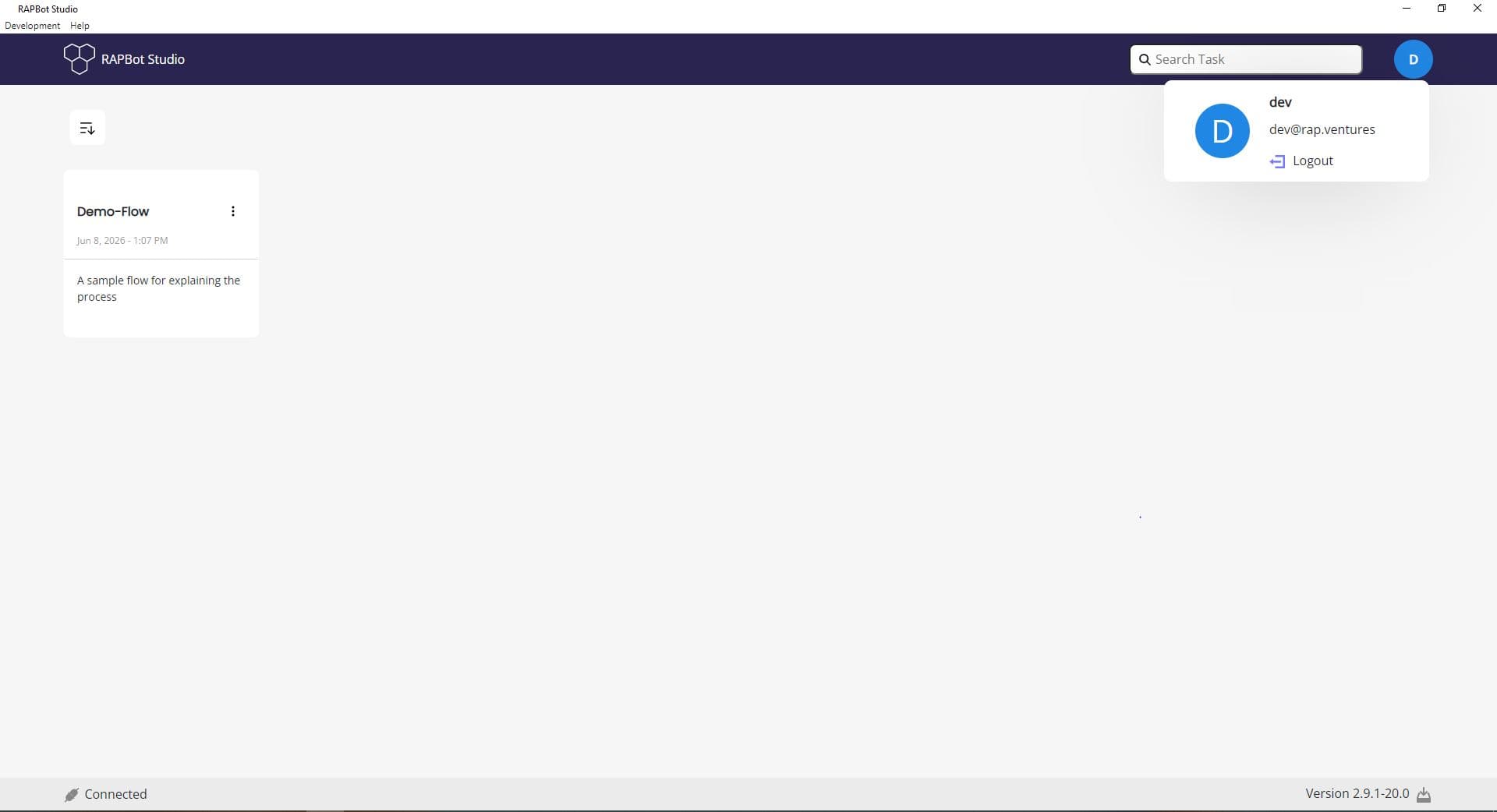
User Menu
| Element | Description |
|---|---|
| Username | Your Orchestrator display name (e.g. dev) |
| Your logged-in email address | |
| Logout | Sign out of Bot Management Console |
After Logout
When you log out:
- The profile avatar is replaced by the Login button
- The status bar shows Disconnected
- Organization tasks are no longer accessible
- Local tasks remain available on your machine
Next Steps
- Studio Landing Page — Return to the home screen
- Login — Sign back in to Orchestrator