Blocks & Flow EditorCommon
switch
Route messages to different outputs based on property values and rules
The switch block routes messages to different output ports based on rules applied to a message property. Use it for conditional branching in your flow.
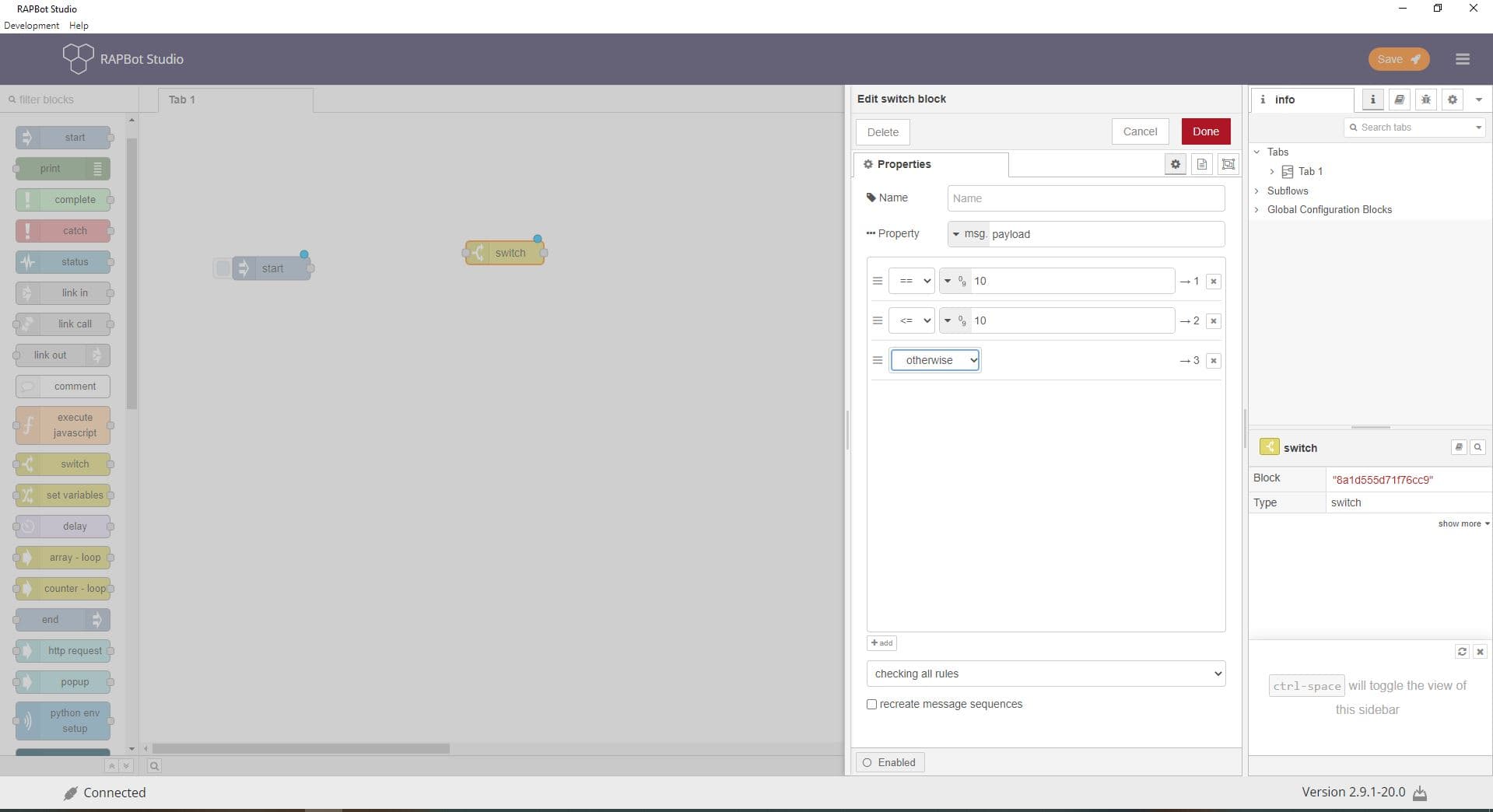
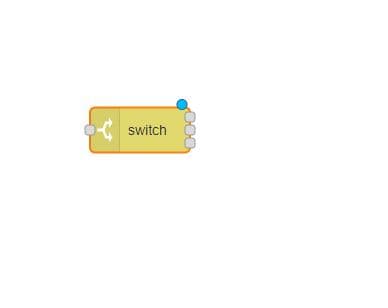
Configuration
| Field | Description |
|---|---|
| Name | Optional display label on the canvas. |
| Property | Message property to evaluate (e.g. msg.payload, msg.status). Supports msg, flow, global, and JSONata expressions. |
| Rules | List of conditions. Each rule has an operator, comparison value, and maps to one output port. Add rules with + — each rule creates an additional output. |
| Check all rules / Stop after first match | Check all rules — message may match multiple outputs. Stop after first match — message is sent only to the first matching output. |
| Recreate message sequences | When enabled, repairs message sequence metadata after routing (useful for sequence-based rules). |
Rule operators
| Operator | Description |
|---|---|
== / != | Equals / not equals |
< / <= / > / >= | Numeric comparisons |
| contains | String or array contains value |
| matches regex | Value matches a regular expression |
| is true / is false | Boolean check |
| is null / is not null | Null check |
| is empty / is not empty | Empty string or array check |
| is of type | Type check (string, number, object, etc.) |
| has key | Object has the specified key |
| is between | Value is within a range |
| JSONata exp | Custom JSONata expression |
| otherwise | Default catch-all rule (last output) |
Outputs
Each rule maps to one output port (left to right). The message is sent to the port(s) whose rules match.
| Output | When used |
|---|---|
| Rule 1, 2, 3… | One port per rule, in order |
| Otherwise | When no other rule matches (if configured) |
Notes
- Add an otherwise rule as the last rule to handle unmatched messages
- Use Stop after first match for exclusive branching (if/else-if/else)
- Property values are compared as strings unless using numeric operators