Blocks & Flow EditorCommon
execute javascript
Run custom JavaScript to transform messages and implement custom logic
The execute javascript block runs custom JavaScript code when a message arrives. Use it to transform data, compute values, or implement logic not available in other blocks.
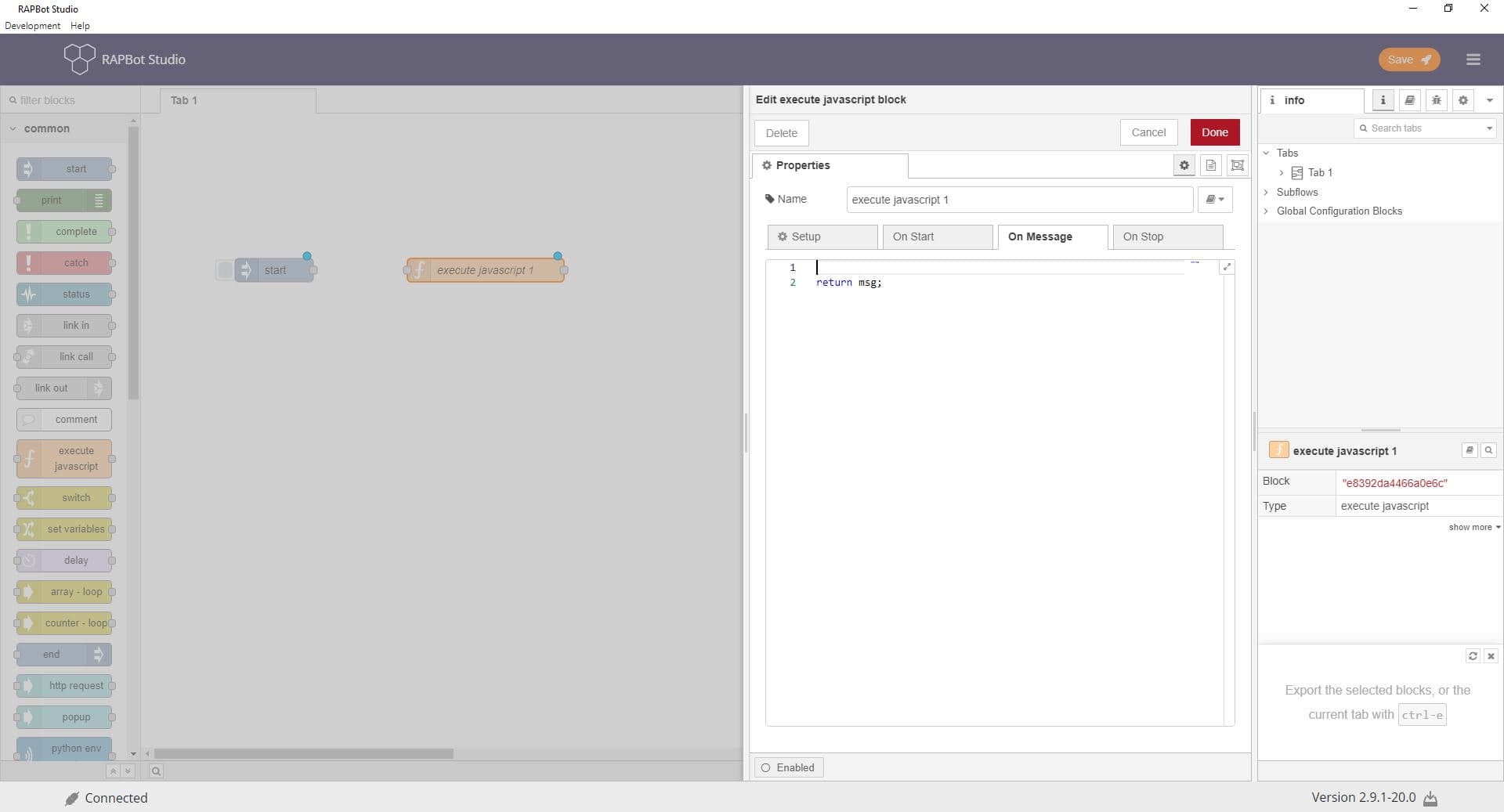
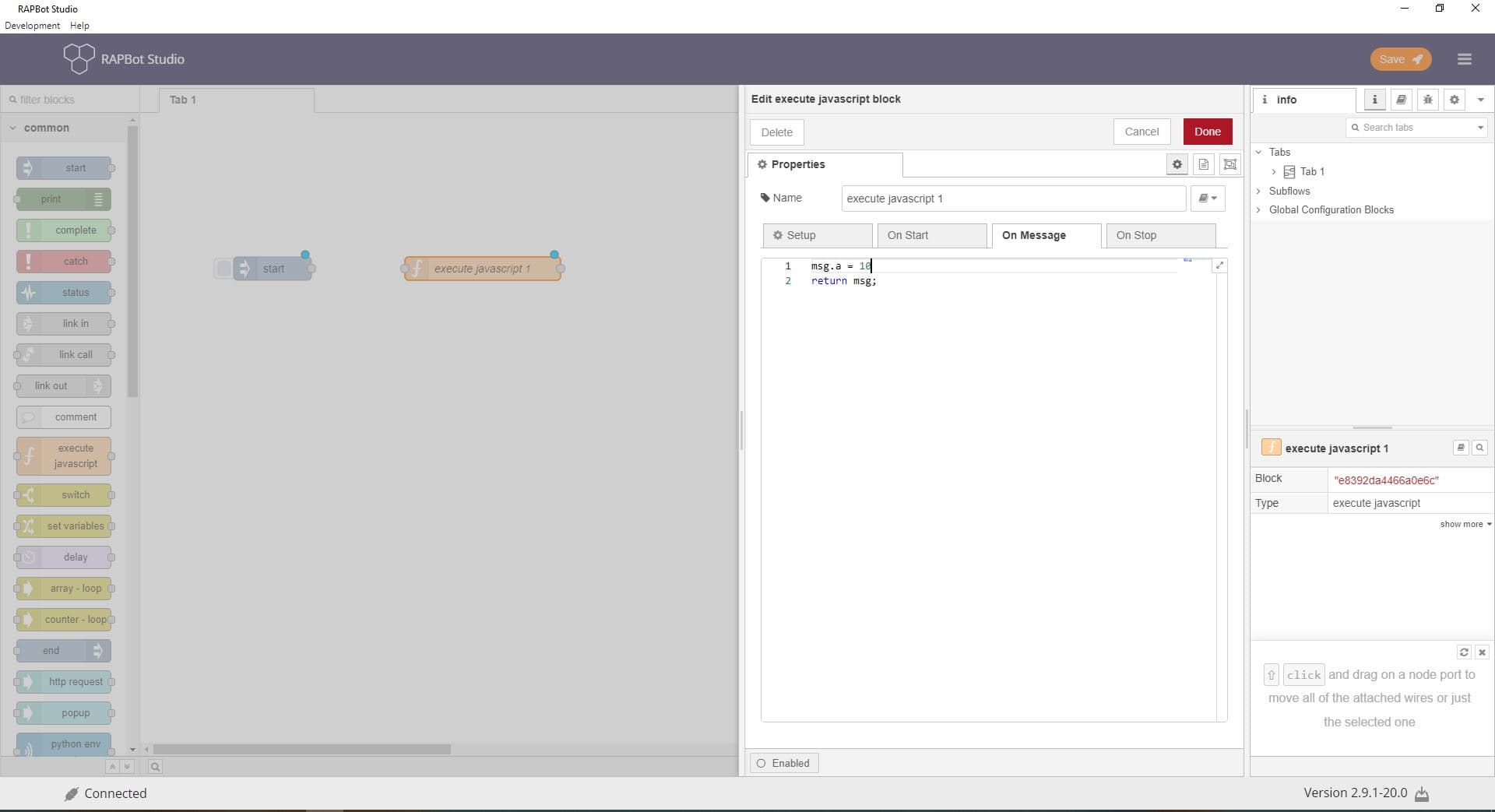
Configuration
| Field | Description |
|---|---|
| Name | Optional display label on the canvas. |
| Outputs | Number of output ports (default 1). Use multiple outputs to send messages to different branches. |
| On Message | JavaScript code executed when a message arrives. Receives msg, node, context, and flow. Return msg to pass it on, or call node.send() for multiple outputs. |
| On Start | Code run once when the flow is deployed or started. Use for one-time initialization. |
| On Stop | Code run when the flow is stopped or re-deployed. Use for cleanup. |
| Modules | Optional external modules to import. Specify module name and the variable name to import as. |
On Message code context
| Variable | Description |
|---|---|
msg | The incoming message object (msg.payload, custom properties, etc.) |
node | Reference to this block — use node.send(msg) or node.error() |
context | Flow and global context — context.get() / context.set() |
flow | Shorthand for flow-scoped context |
Outputs
| Port | Description |
|---|---|
| Output 1 (default) | Sends the returned msg object to the next block |
| Additional outputs | Available when Outputs is set greater than 1 — use node.send([msg1, msg2]) |
Notes
msg.payloadis commonly overwritten by downstream blocks — store persistent values on custommsgproperties- Syntax errors are reported in the debug sidebar and block status
- Test JavaScript logic with print blocks before deploying to production agents
- External module loading may be restricted depending on agent configuration