Blocks & Flow EditorCommon
delay
Pause flow execution for a fixed, random, or rate-limited duration
The delay block pauses the flow before passing the message to the next block. Use it to wait for UI loading, throttle API calls, or space out automation steps.
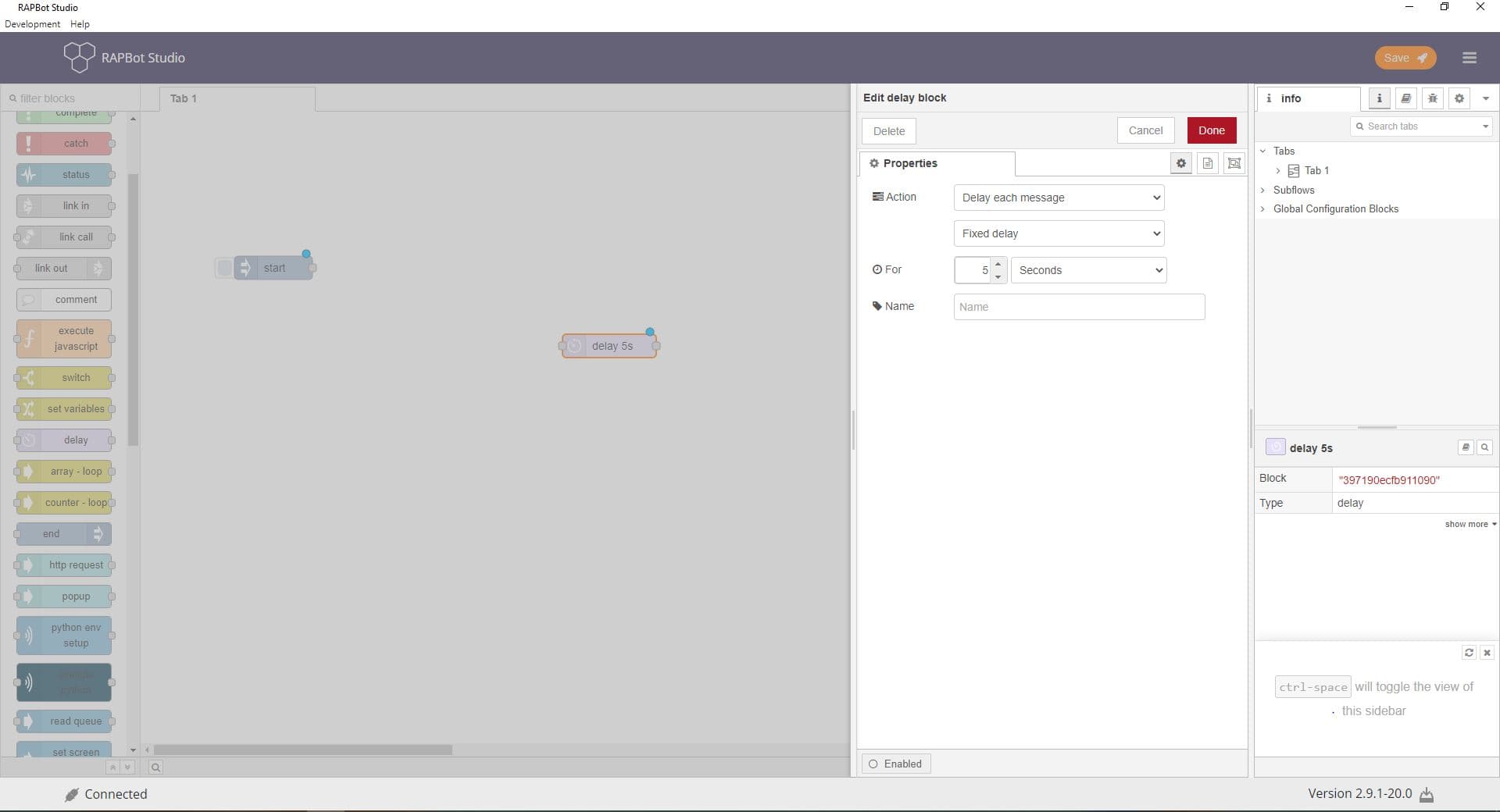
Configuration
| Field | Description |
|---|---|
| Action | Delay each message — hold each message for a duration. Rate Limit — restrict how many messages pass per time period. |
| Delay type | Fixed delay — exact wait time. Random delay — wait between min and max. Override delay with msg.delay — duration comes from the incoming message. |
| For | Delay duration value (used with fixed or random delay). |
| Units | Time unit: milliseconds, seconds, minutes, hours, or days. |
| Between (random) | Minimum and maximum delay values for random delay mode. |
| Rate (rate limit) | Number of messages allowed per time period. |
| msg(s) per (rate limit) | Time period for the rate (e.g. 1 message per second). |
| Intermediate messages (rate limit) | Queue — buffer messages. Drop — discard excess. Send on 2nd output — route overflow to a second port. |
| Allow msg.rate override (rate limit) | Let msg.rate (in ms) override the configured rate. |
Outputs
| Port | Description |
|---|---|
| Output 1 | Message released after the delay (or within rate limit) |
| Output 2 (rate limit only) | Intermediate/overflow messages when Send on 2nd output is selected |
Notes
- For variable delays, set
msg.delayon the incoming message (milliseconds) when using Override delay with msg.delay - Rate limiting is useful when calling external APIs with request quotas
- Very large delay intervals may be limited — use scheduling for long waits