Blocks & Flow Editor Common set variables Set, change, delete, or move message properties during flow execution
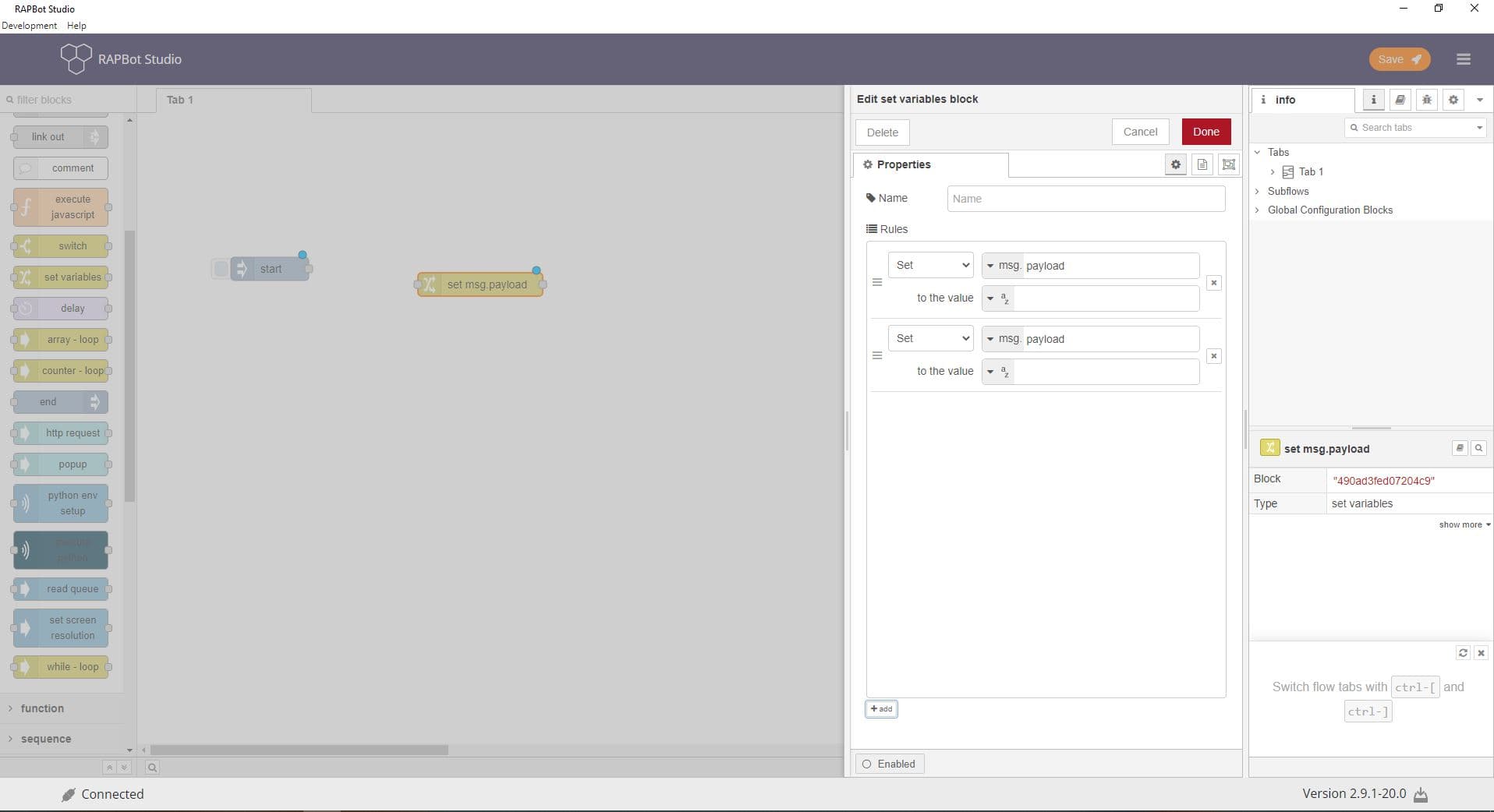
The set variables block modifies message properties as the flow runs. Add one or more rules to set values, search-and-replace, delete properties, or move data between fields.
Field Description Name Optional display label on the canvas. Rules List of property operations applied in order. Click + to add a rule.
Action Description Set Assign a value to a property (e.g. set msg.customerId to a string or expression). Change Search and replace within a property value. Supports regular expressions. Delete Remove a property from the message. Move Move a value from one property to another.
Field Description Property Target property (e.g. msg.payload, msg.filePath). Scope: msg, flow, or global. To value Value to set — string, number, boolean, JSON, JSONata expression, or another property reference. Search for / Replace with (Change)Find and replace text within the property. Enable Use regular expressions for pattern matching. Deep copy value When enabled, copies objects deeply instead of by reference.
Port Description Output 1 Message with all rules applied, passed to the next block
Rules run top to bottom — order matters when multiple rules touch the same property
Use msg.customField for values that must survive blocks that overwrite msg.payload
JSONata expressions allow computed values from existing message data
flow and global scope rules write to flow/global context, not just the current message