Blocks & Flow EditorWindows
send keys
Sends text or keystrokes to a UI element in a Windows application.
Sends text or keystrokes to a UI element in a Windows application.
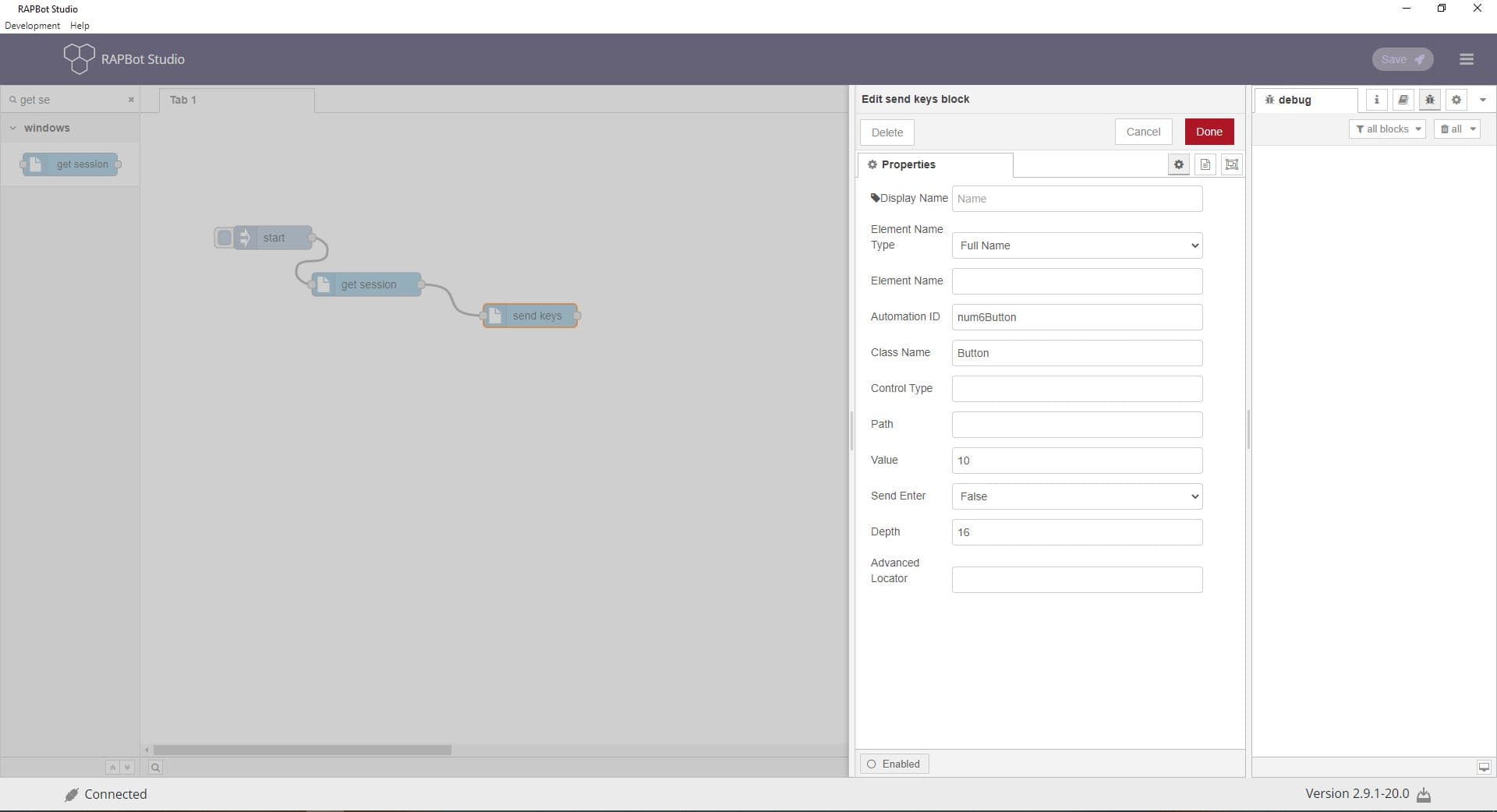
Configuration
| Field | Description |
|---|---|
| Display Name | Label on the block. |
| Element Name Type | Full Name, Sub Name, or Regex. |
| Element Name | Window or element title to target. |
| Automation ID | UI automation identifier. |
| Class Name | Window class identifier. |
| Control Type | UI control type. |
| Path | Element locator path. |
| Value | Text to send, or keystrokes such as {Ctrl+A} + {Ctrl+V} for select-all and paste. |
| Send Enter | Whether to press Enter after sending the value (True/False). |
| Depth | Element tree depth (default 8). |
| Advanced Locator | Custom locator string. |
Outputs
| Port | Description |
|---|---|
| Output 1 | Message passes through after the operation completes |
Notes
- Requires get session block earlier in the flow.
- Use Inspect.exe to find element identifiers.