Blocks & Flow EditorExcel
find maximum row or column
The **find maximum row or column** block returns the last used row or column index.
The find maximum row or column block returns the last used row or column index.
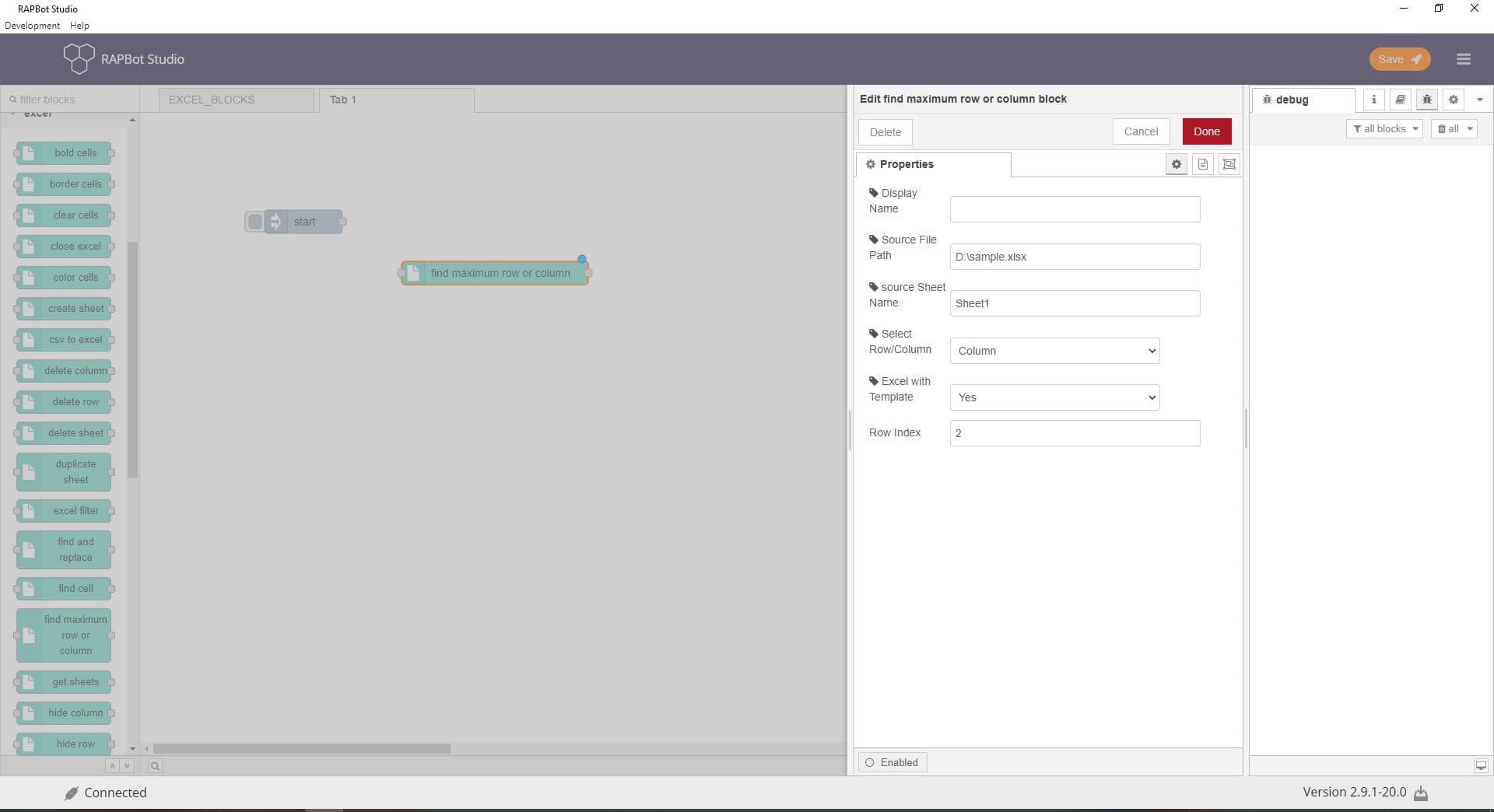
Configuration
| Field | Description |
|---|---|
| Display Name | Optional label shown on the block in the canvas. |
| Source File Path | Full path to the Excel workbook file (.xlsx). Supports dynamic {variable} substitution from msg. |
| Source Sheet Name | Exact name of the worksheet tab (case-sensitive). |
| Select Row/Column | Row or Column — which dimension to measure. |
| Excel with Template | Yes / No — enable Index field for template workbooks. |
| Index | Template index when Excel with Template is Yes. |
Outputs
| Property | Description |
|---|---|
msg.payload | Maximum row or column number used |